|
|
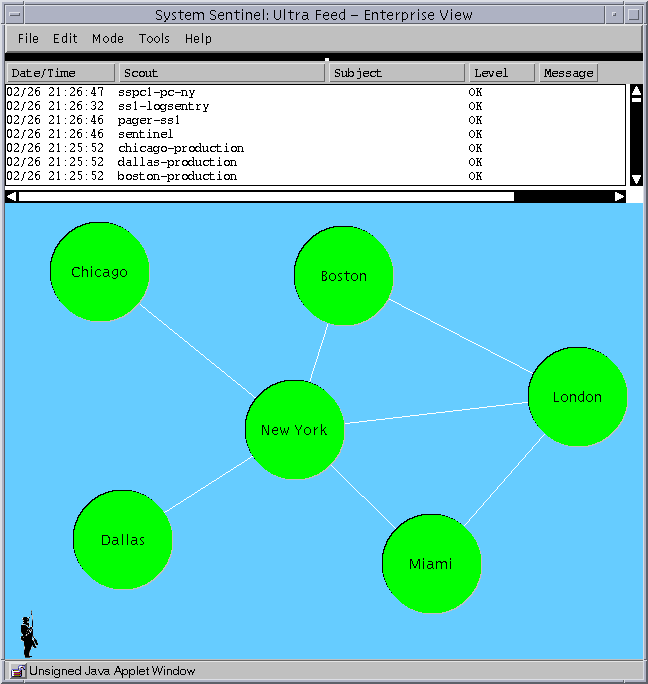 |
Sentinel displays the status of an enterprise at a glance.
The top pane shows the most recent significant events. The bottom
pane shows the status of the various components of the enterprise.
Healthy components are shown in green.
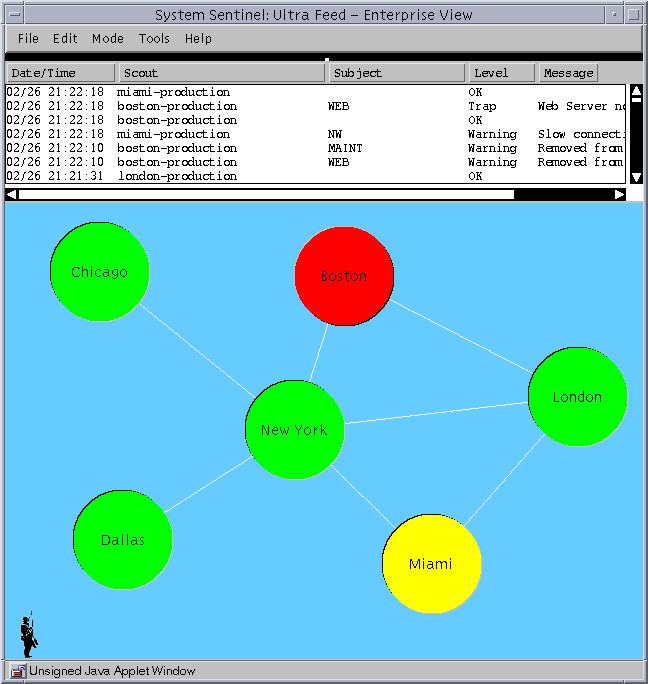 |
Problem areas are highlighted in real time. Severe problems are
shown in red, minor problems in yellow.
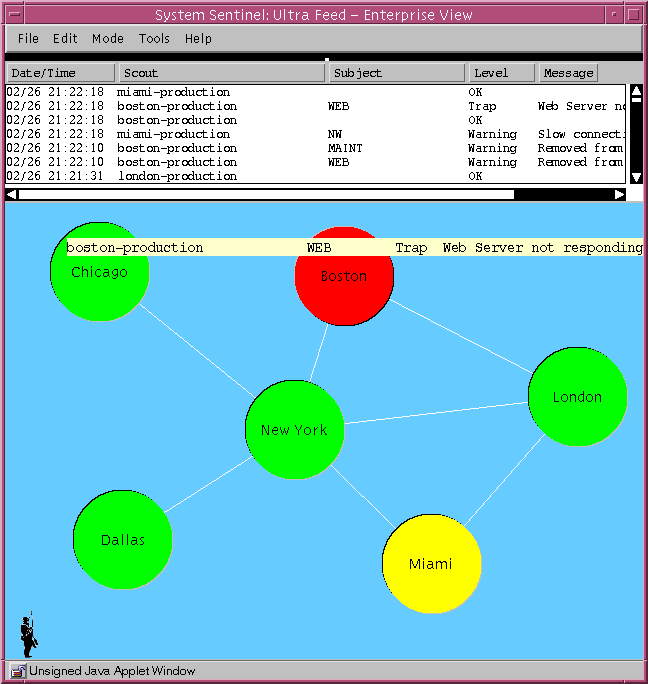 |
Holding the mouse over a problem shows a description of the problem
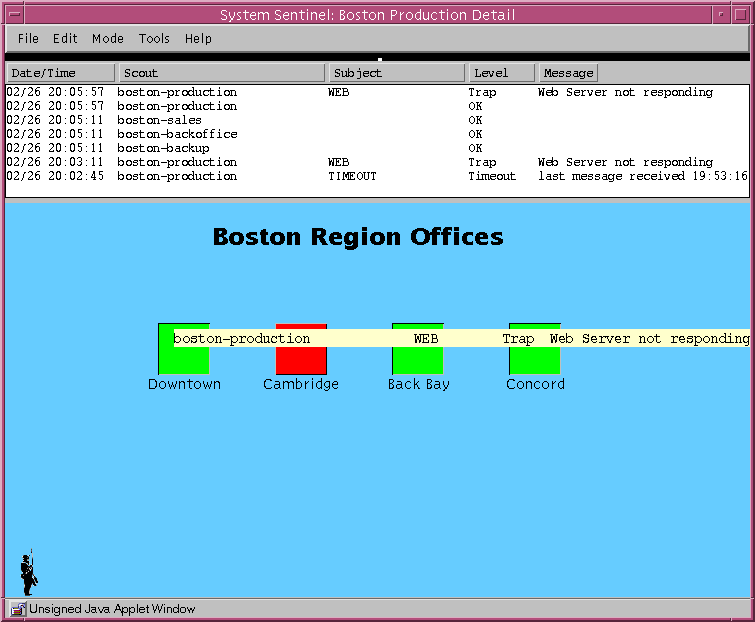 |
Clicking on an icon drills down to a more detailed view
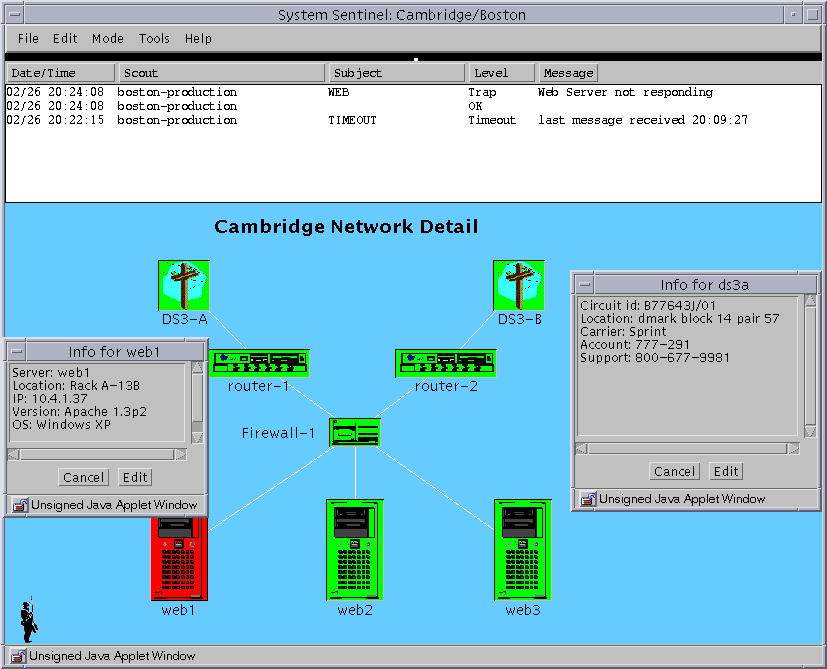 |
Any level of hierarchy can be shown. Clicking on an entity which
represents a physical object can show detailed information about that
entity
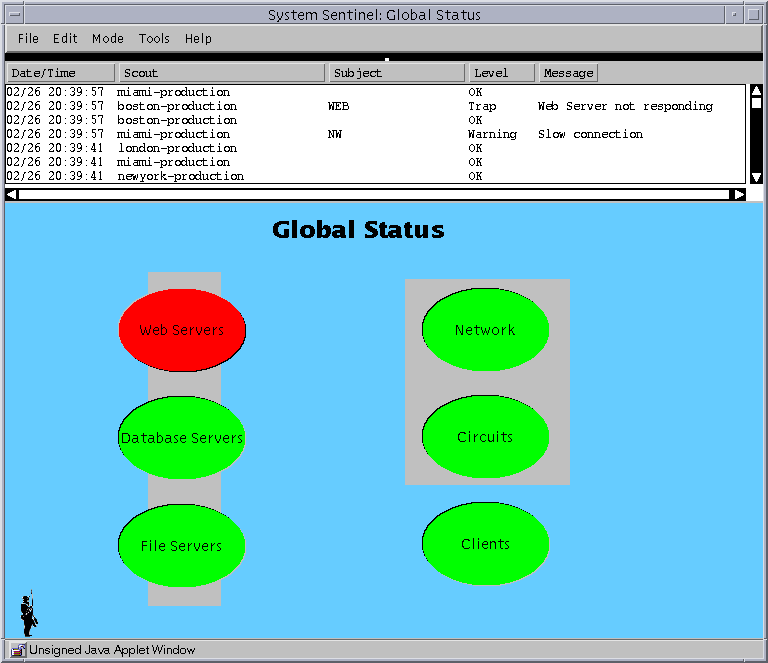 |
The enterprise can be sliced any way imaginable - geographic,
business unit, profit center, function, customer, etc. Here is a view
of the same problem from a different point of view.
|
|

 Home
Home 